How do I log out of my account?Updated 4 months ago
Here are instructions for logging out of your website account.
Laptop or Desktop Log Out
On a laptop or desktop computer, access your account from the top right corner of the webpage. Log out will appear last on the list of tabs to the right.

Mobile Log Out
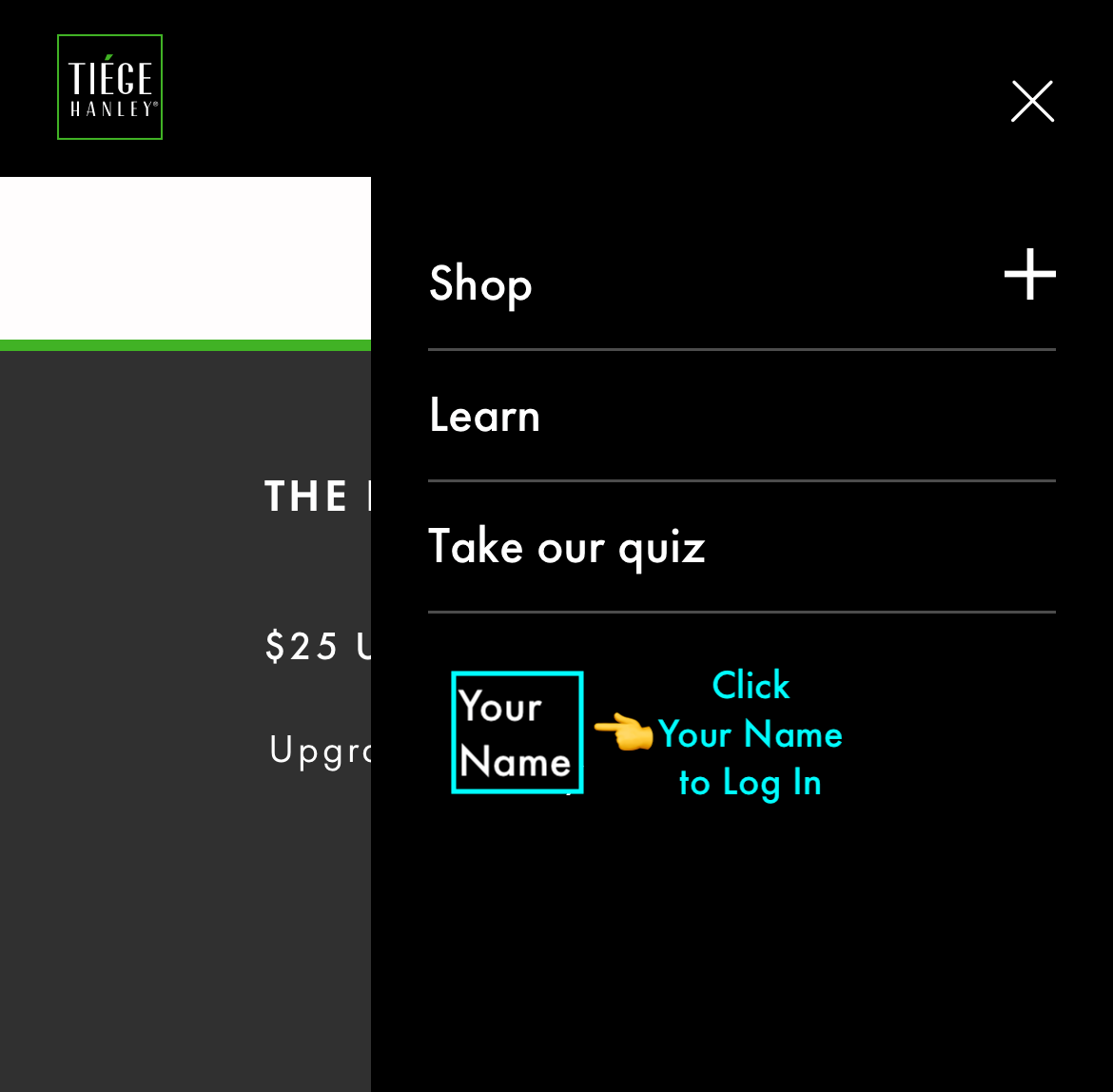
On a phone or handheld device, access your account from the account icon (circle symbol with a person) at the top right corner of the webpage. Click your name. Scroll down. Log out will appear last on the list.